

Choose the right hosting plan for you
Find the best hosting plan for your business. Hostinger offers simple, stable, and affordable web hosting with free SSL, business email, and WordPress optimization.
New websites typically don’t receive heavy traffic initially, so you can start with a lower-spec configuration to keep costs down. Later, when your site’s traffic grows, you can easily upgrade your configuration—whether that means upgrading your VPS or even moving to a dedicated server. Since upgrades are straightforward, there’s no need to purchase a high-spec server upfront, which could lead to wasted resources and unnecessary costs. First, open the link: Hostinger
You can select a hosting plan directly from the homepage:
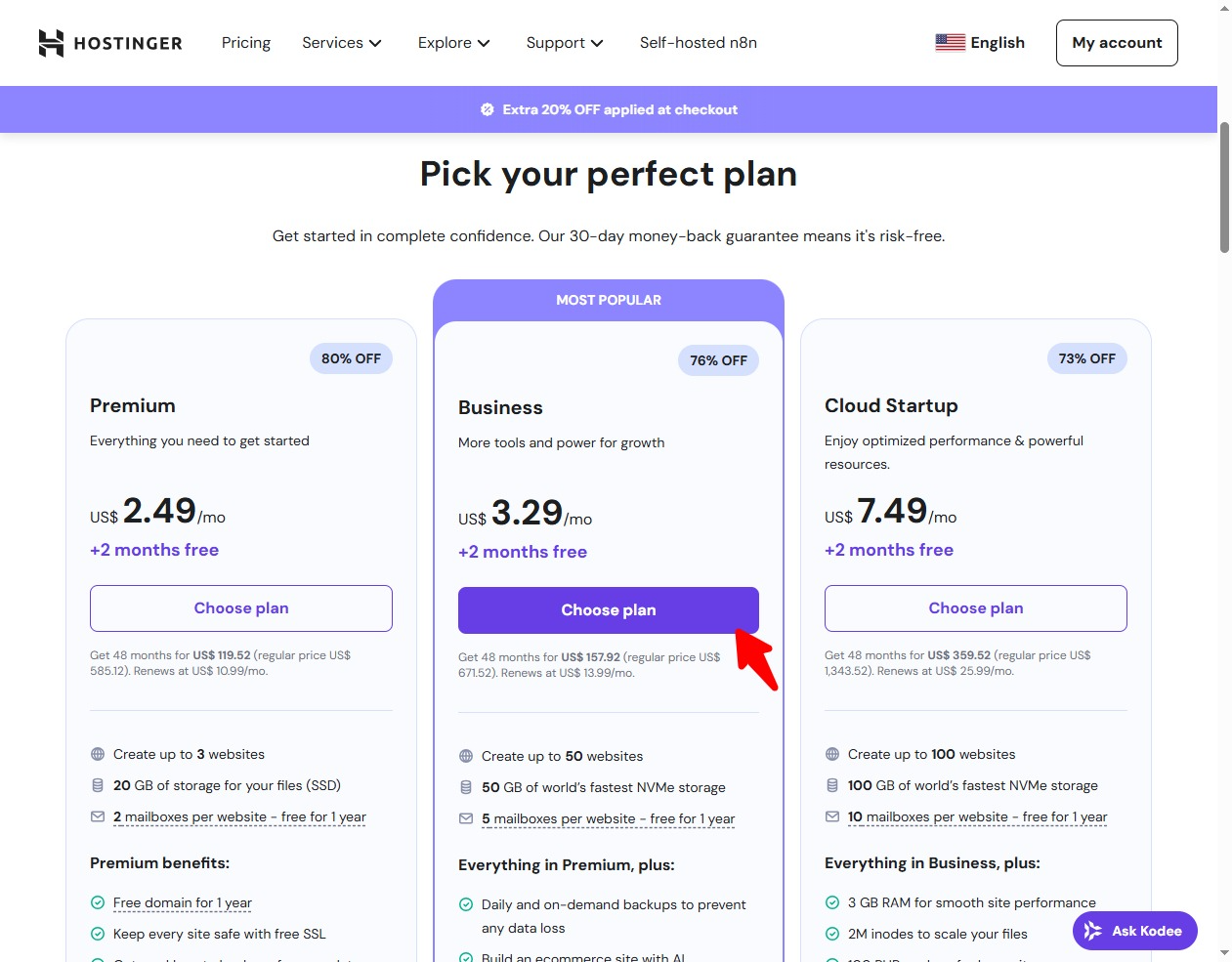
Alternatively, after logging in, you can click the website menu on the left to select:
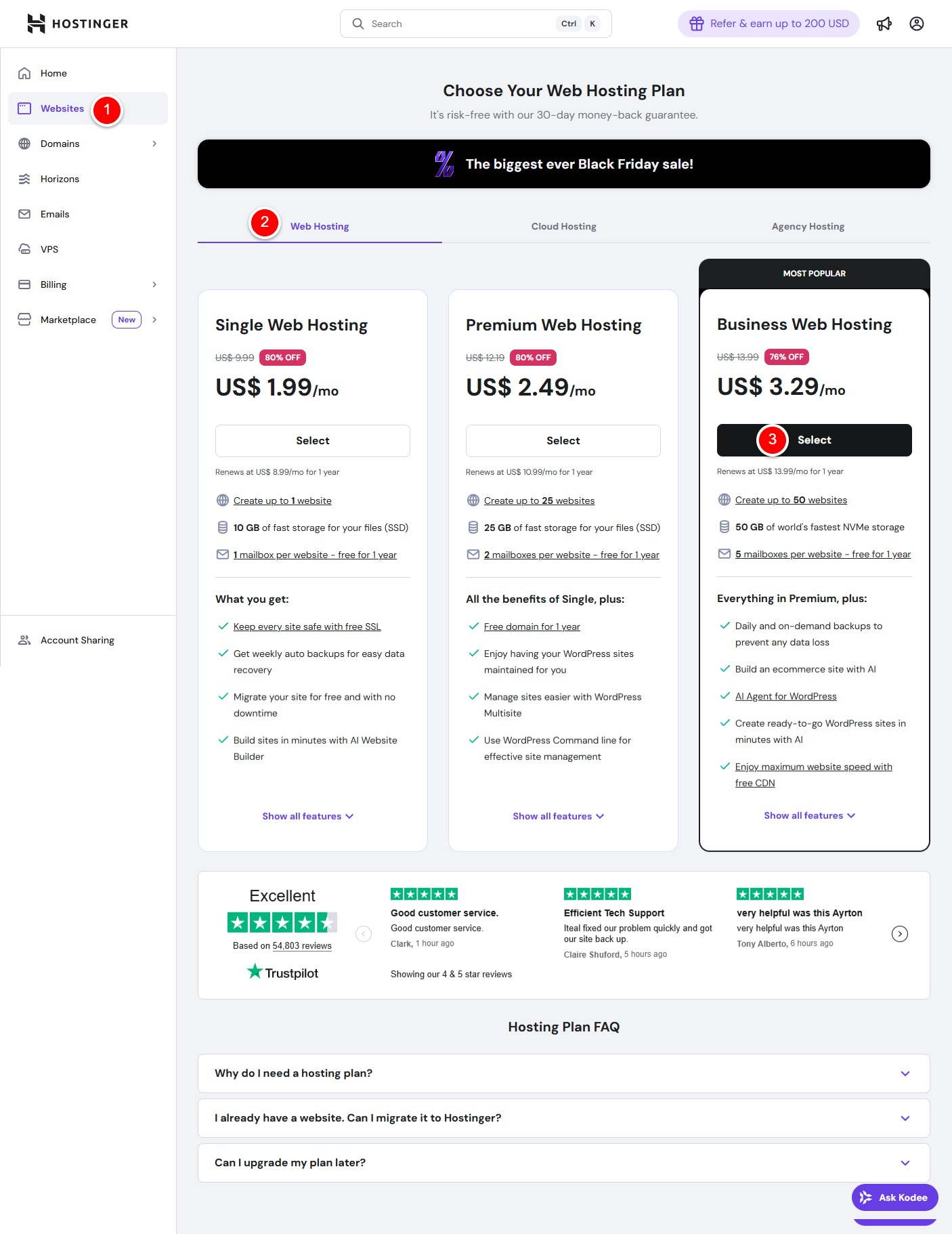
- Click the website menu on the left
- Open the Webhosting tab by default
- Comparing the differences between various hosting plans: The first is Single Web Hosting, which only supports one website and is not recommended. The difference between the second Premium Web Hosting and the third Business Web Hosting lies in the number of websites you can build, disk space, and whether free CDN service is included. The second plan can also integrate third-party free CDN services (like Cloudflare) later, but it’s a bit more cumbersome. The third plan directly integrates free CDN service, which can be enabled with one click and requires no configuration. For commercial website building, we recommend choosing the third Business Web Hosting plan directly.
The most cost-effective option is to purchase a 4-year plan upfront, as renewal fees typically increase over time. However, when renewal comes around, you can choose to buy a new hosting plan and migrate your site with a single click. Therefore, we strongly recommend opting for the 4-year plan.
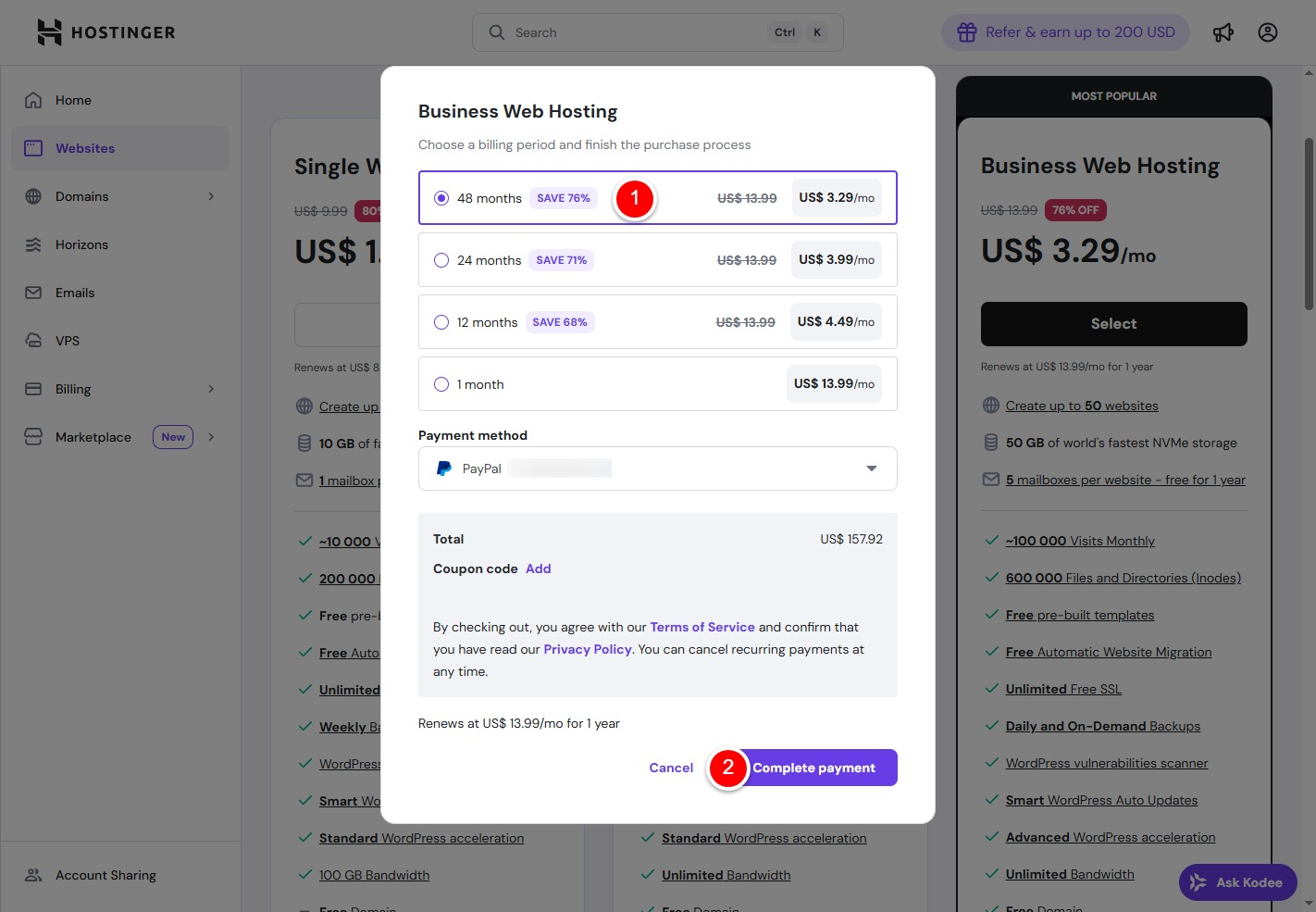
- Select the 48-month plan
- Click to complete payment
Special Note: Nearly all hosting providers offer the lowest prices for first-time purchases of new products, with renewal fees increasing thereafter. Therefore, after completing your purchase, we recommend deleting payment account information from your personal account and disabling auto-renewal. When your subscription nears expiration, you can choose to purchase a new hosting plan and migrate your data with one click, or search online for renewal discount coupons.
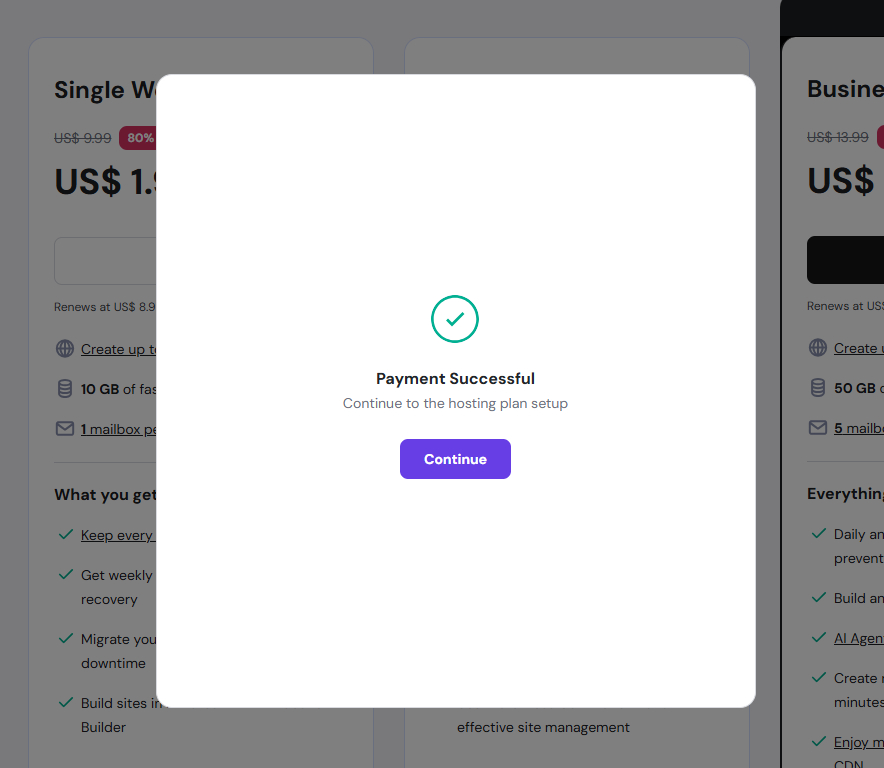
After completing payment, click the Continue button to proceed to the website setup phase. We will cover this in the next section.
Author Profile

- Freely.work Founder,15 years as a freelancer/digital nomad.Marketing consultant for Fortune Global 500 companies, digital marketing expert.
Latest entries
 December 17, 2025Mastering Google Search Console (GSC)
 December 16, 2025Yoast SEO Plugin: Overview, Benefits, and Installation Guide
 December 16, 2025What Is an SEO Plugin?
 December 2, 2025Adding Variable Products with Multiple Configurations